Running Pegel on a Raspberry Pi
Pegel uses 23 MB of memory on a Raspberry Pi 4 checking 40 sites a minute. The compose file, and the two settings that spare the SD card.
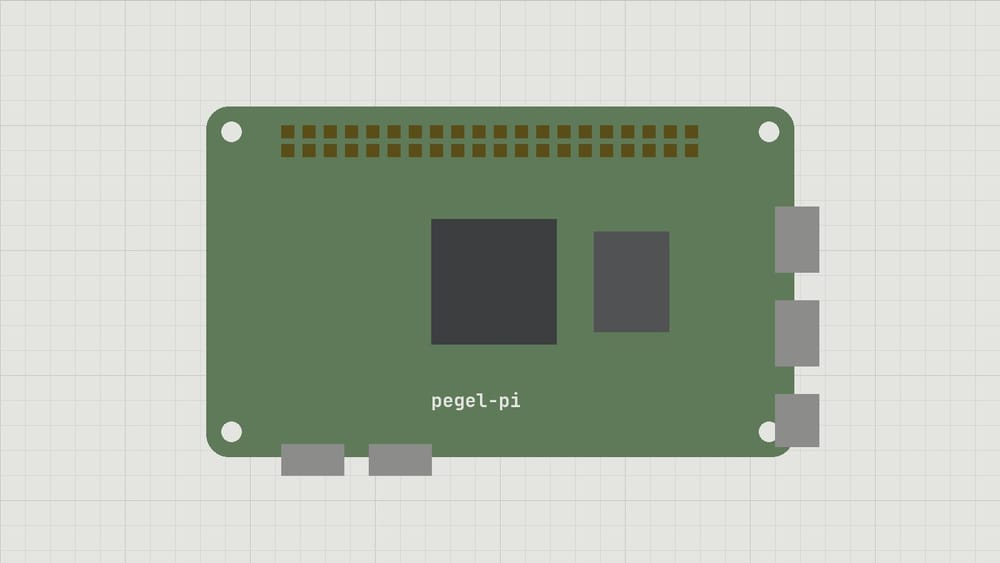
Pegel has run on a Raspberry Pi 4 in my hallway since spring, checking 40 sites every minute. It uses 23 MB of memory and about 2 % of one core, and the arm64 build comes from the same code as the amd64 binary on our VPS. The Pi has 4 GB and could watch a few hundred more sites before memory became the limit. The SD card would give up first.
An SD card wears out from writes, and a monitor writes all day. Two settings keep that off the card: Pegel’s history goes to a USB disk, and its log goes to journald, which I set to keep it in memory with Storage=volatile.
The compose file
services:
  pegel:
    image: registry.pegel.example.org/pegel:0.8.0
    restart: unless-stopped
    command: ["run", "--config", "/etc/pegel/pegel.toml"]
    volumes:
      - ./pegel.toml:/etc/pegel/pegel.toml:ro
      - /mnt/usb/pegel:/var/lib/pegel
    ports:
      - "8080:8080"
    logging:
      driver: journald
Where the history goes
[storage]
path = "/var/lib/pegel"
keep_days = 90
$ docker compose up -d
$ docker stats --no-stream pegel-pegel-1
NAME CPU % MEM USAGE / LIMIT
pegel-pegel-1 1.87% 23.1MiB / 3.7GiBNinety days of history for 40 checks take 310 MB on the USB disk. I have changed the SD card once since spring, and that was a card from a drawer I should not have used.
subscribe
New entries and the next chapter by mail, nothing else.